 2Way
2WayScreen casting
Share your playing content to every viewer projector or screen in the room through a cable.
Launch a self-contained media hub that beams slides, live camera feeds, and uploaded videos across your venue — no internet dependency, no lag.
Two-Way Broadcaster turns any PC into a precision media switcher. Upload videos, pull in external cameras and PowerPoint slides, and route to every connected device alongside VCNT or your favorite projection setup — all while staying inside your own secure network.
Connect HDMI capture cards, cameras, VGA cables, or USB cables.
Route all your playing media onto the local area network with no internet required.
Cast playing media content to an external display like a projector or TV set.
A focused toolkit that lets a single operator run a multi-source production from one Windows PC.
Share your playing content to every viewer projector or screen in the room through a cable.
Configure multi-source layouts and transition between them seamlessly during live moments.
Connect DSLR, PTZ, or USB cameras and manage them directly from the broadcaster console.
Operate fully offline on a private network for sensitive corporate, classroom, or worship use.
Two-Way Broadcaster powers the big picture while VCNT empowers your audience device-by-device. Together they deliver synchronized media, interactive note-taking, and reliable archives even when the venue internet is congested or unavailable.
Stage managers, media teams, and educators work from the same playbook by combining Broadcaster for delivery and VCNT for personal capture and playback.
The result? A cohesive, inclusive media experience with minimal hardware overhead.
Blend slides and broadcast at all social gatherings — concerts, churches, universities, conferences, and business meetings.
Deliver lab demos, PowerPoint slides, and instructor feedback to every student device simultaneously in lecture rooms at universities and similar educational spaces.
Deliver presentations, training materials, and collaborative content to all participants in corporate meetings, workshops, and seminars.
To maximize the performance of Two-Way Broadcaster and VCNT, we recommend high-quality WiFi 6 network hardware that delivers reliable, high-speed connectivity across your LAN without internet dependency.
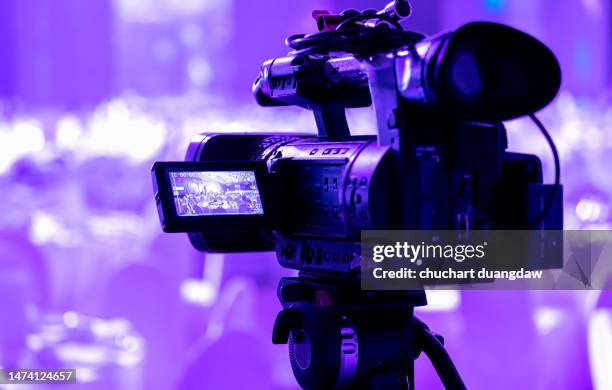 Camera
 Broadcaster Laptop
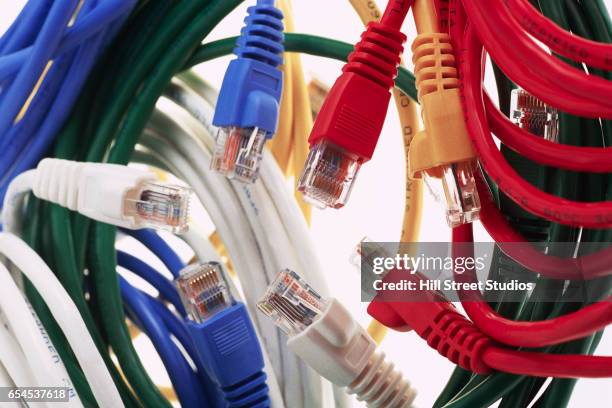 Ethernet Cable
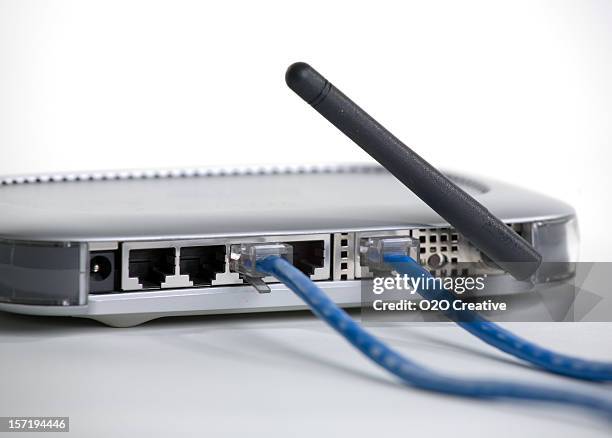 WiFi 6 Router
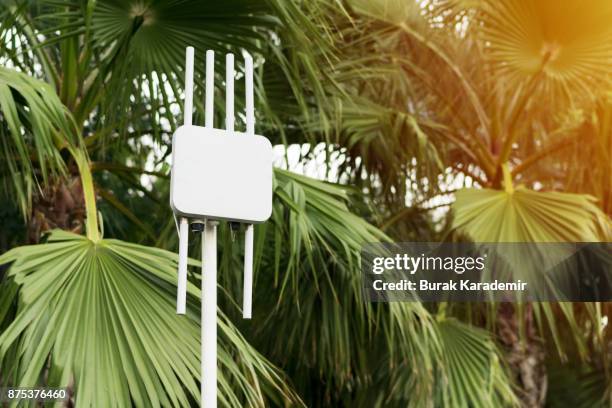 Access Point
 VCNT Smartphones
Note: This entire setup operates offline within your local area network — no internet required!
Note: These WiFi 6 devices provide the optimal balance of performance, reliability, and cost for LAN-based broadcasting. Avoid WiFi 7 for now as the standard is still evolving and may not provide significant benefits for local network streaming.
Download the current build or request a guided pilot with the Concept Initiative team.
Pair Broadcaster with VCNT to deliver a complete attendee and producer workflow from a single network.